
About Us
Micraft MES provides real-time shop floor visibility, machine downtime tracking, and connected production execution for discrete and batch manufacturers.
Get a free quote
MES Features


Micraft MES Features –
Complete Manufacturing Monitoring Platform
Discover the powerful features of Micraft MES engineered to connect your machines, track shop floor workflows, optimize machine utilization, and provide sub-second visibility across every manufacturing stage.
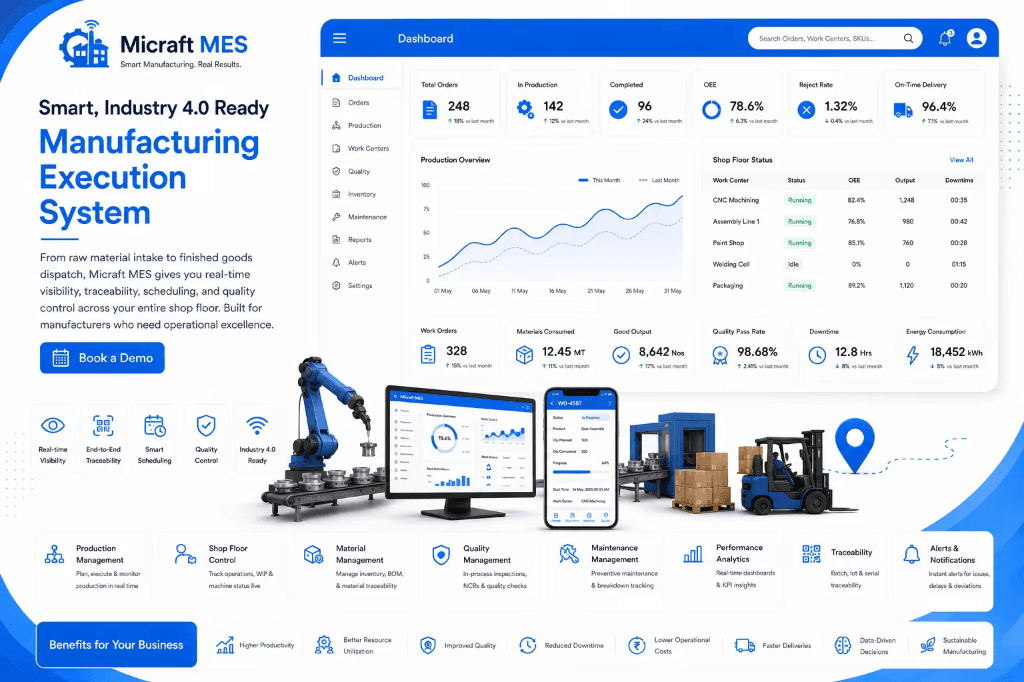
Production Order Tracking
Micraft MES enables manufacturers to track production orders across multiple stages of the manufacturing process with complete batch and job traceability.
- Work order progress tracking
- Stage-wise production updates
- Production output monitoring
- Real-time job status visibility
Eliminates production blind spots and helps plant managers understand exactly where each work order stands at any given minute.
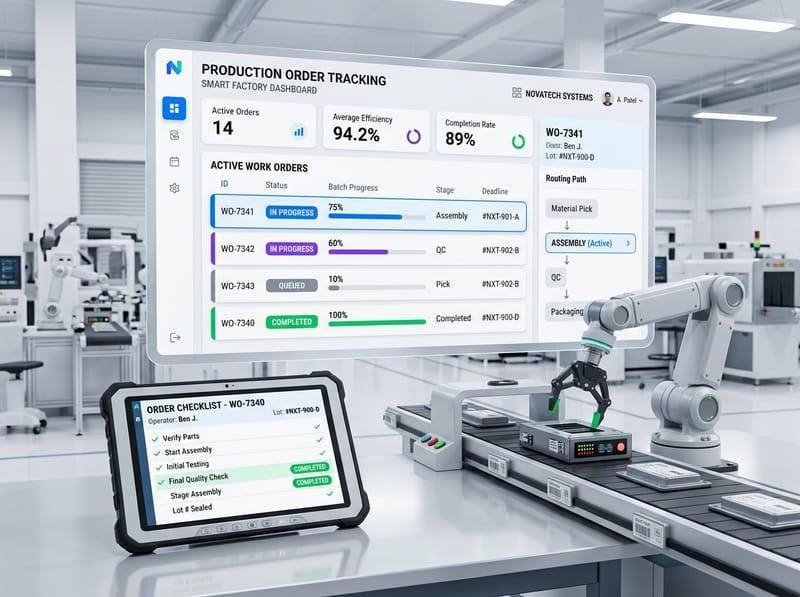
Real-Time Shop Floor Visibility
Micraft MES provides continuous, live visibility into shop floor execution, bridging the gap between ERP planning and physical factory floor activities.
- Workstation & operator activity
- Live machine operational status
- Line output vs target pacing
- Instant bottleneck identification
Transforms fragmented machine data into live operational dashboards for faster response to floor abnormalities.
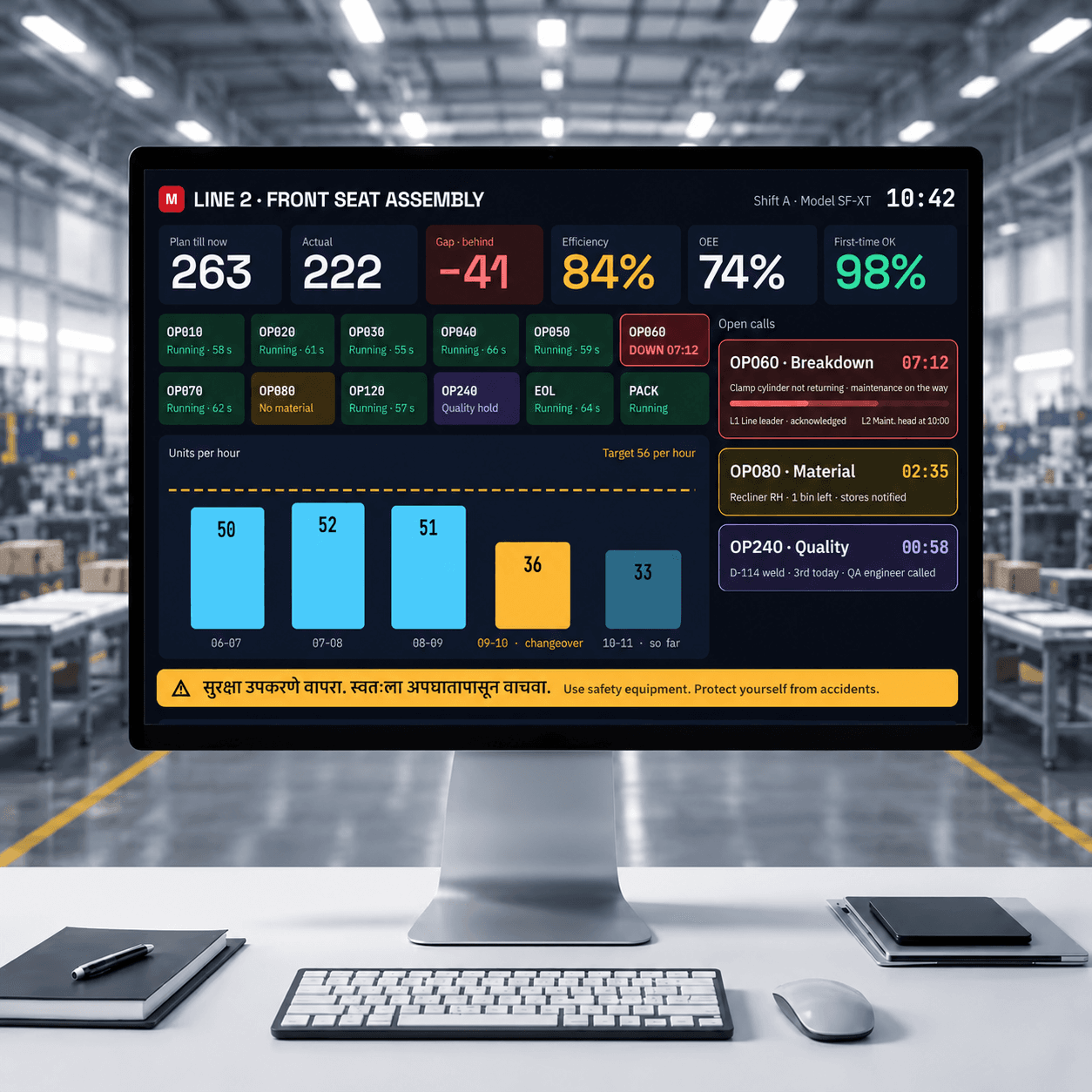
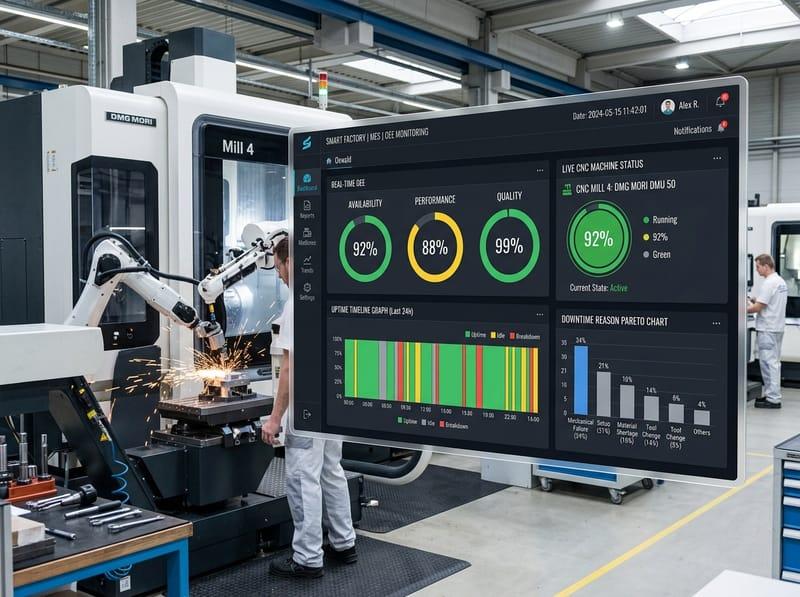
Machine Utilization & OEE Monitoring
Micraft MES helps manufacturers maximize machine productivity, monitor equipment utilization, and capture granular downtime reasons directly from the shop floor.
- Continuous machine uptime tracking
- Categorized idle & downtime logging
- Automated OEE calculations
- Equipment performance benchmarks
Helps maintenance and production teams reduce unplanned downtime and optimize capacity utilization across all lines.
Manufacturing Process Monitoring
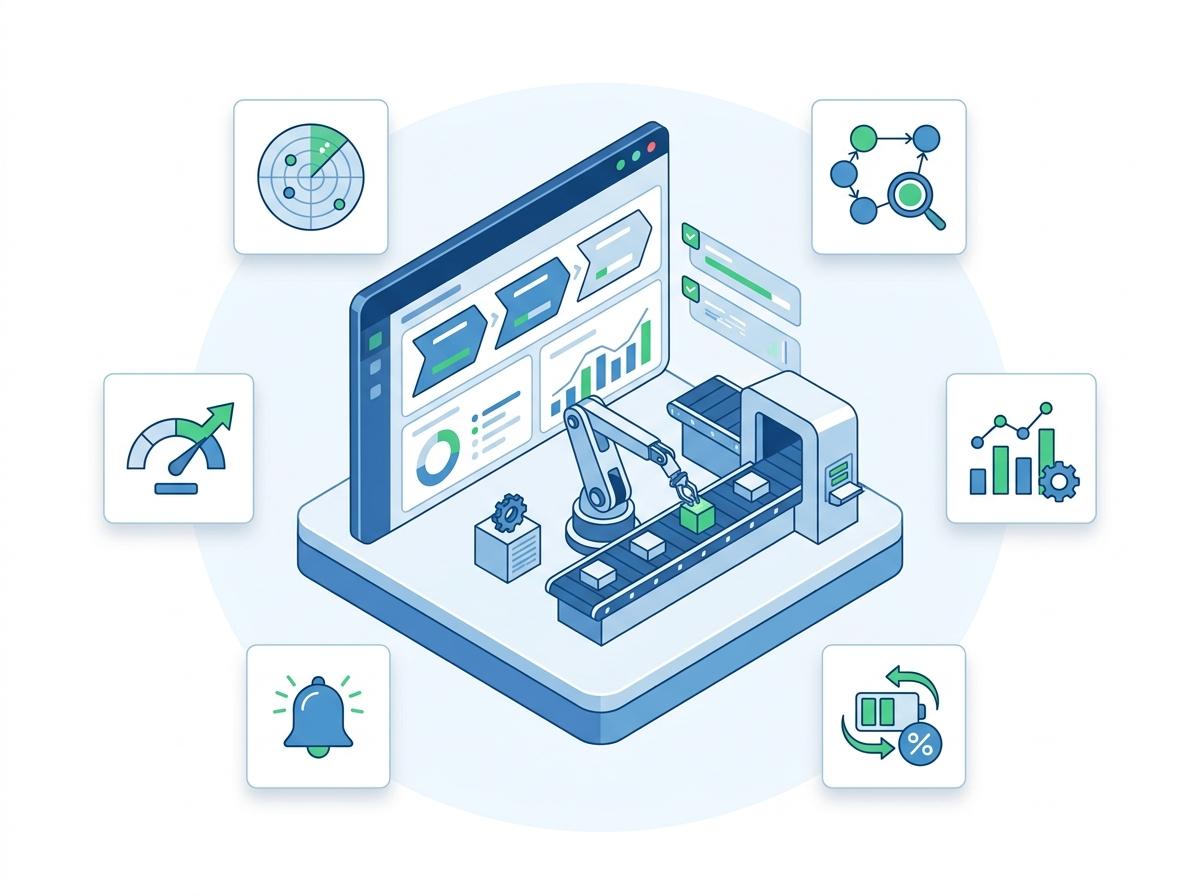
Micraft MES tracks complex multi-stage production workflows, ensuring standard operating procedures (SOP) are adhered to and cycle times stay on target.
- Stage-wise routing verification
- Cycle time & throughput analysis
- Bottleneck & buffer tracking
- Process deviation alerts
Provides engineers and operations leaders with actionable visibility to streamline handoffs and eliminate production delays.
Quality Inspection & Defect Tracking
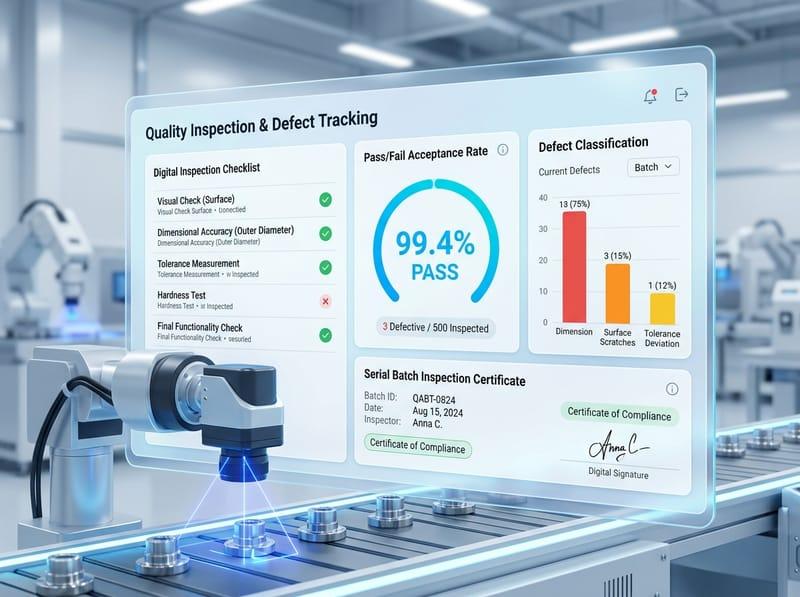
Micraft MES digitizes quality checkpoints across receiving, in-process, and final inspection to prevent defective parts from moving to downstream stages.
- Digital quality checklist entry
- Defect & rejection root-cause logging
- First-Time-Right (FTR) metrics
- Inspection audit & compliance history
Replaces paper inspection sheets with digital quality gates that protect customer deliveries and reduce scrap costs.
Real-Time Production Dashboards
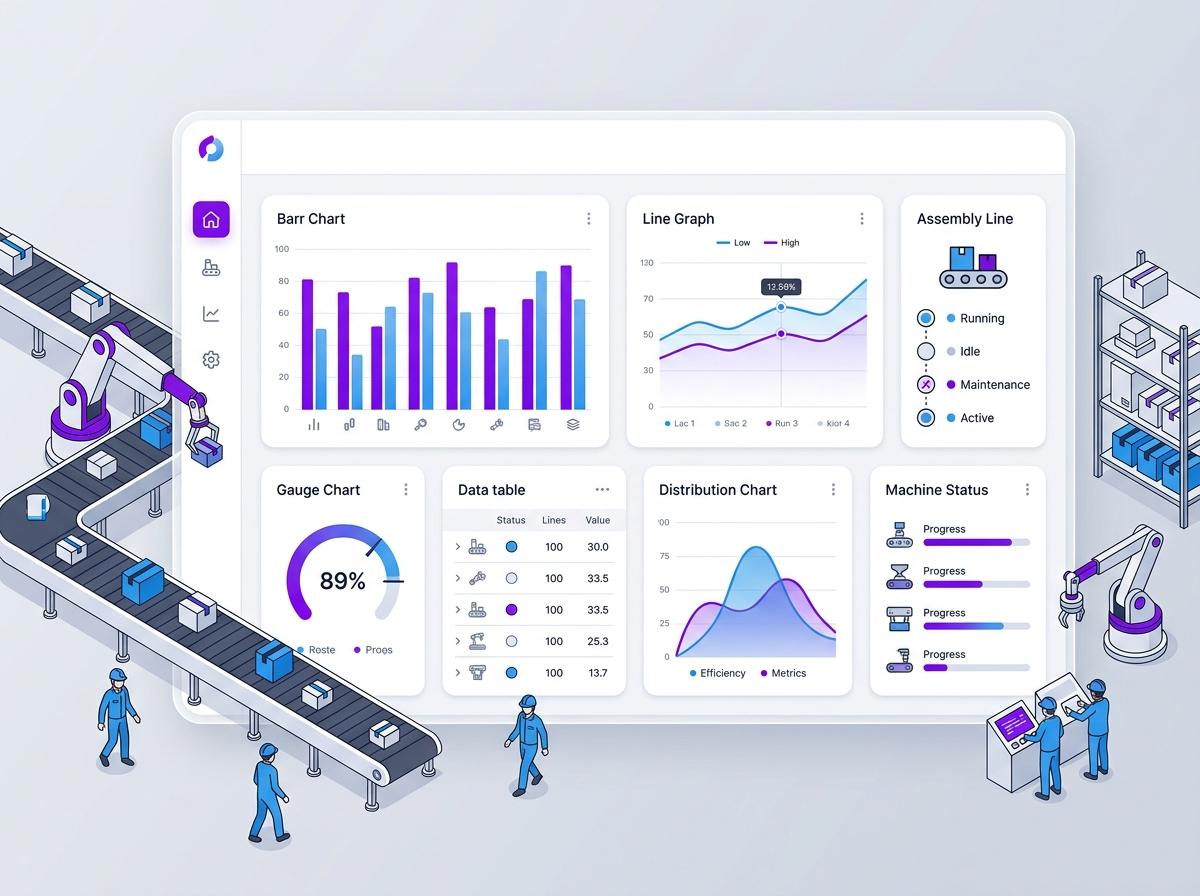
Micraft MES delivers intuitive, real-time visual dashboards built for shop floor display screens (Andon TVs), supervisor tablets, and management desktops.
- Live target vs actual pacing
- Workstation health & alerts
- Hourly output run-charts
- Customizable role-based views
Empowers floor supervisors and plant leadership with instant, high-visibility operational command centers.
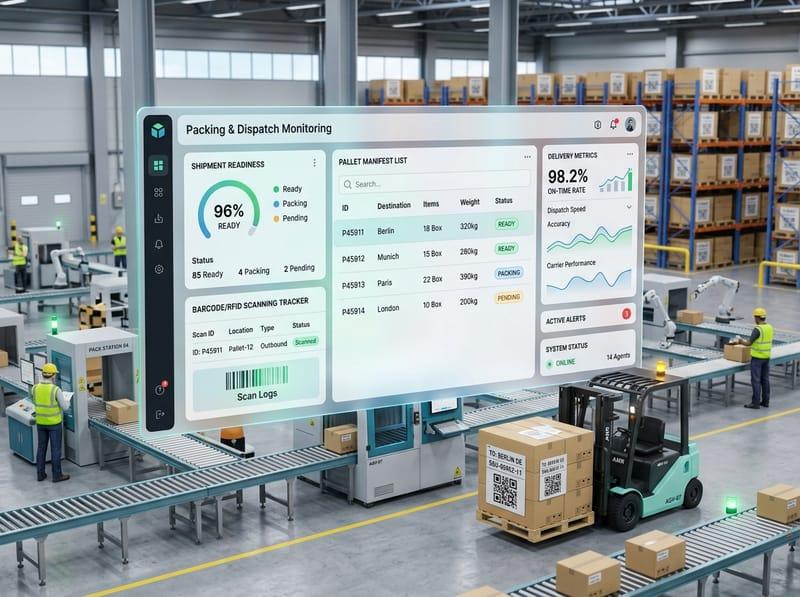
Packing and Dispatch Monitoring
Micraft MES tracks the final stages of manufacturing, ensuring finished goods are verified, packed accurately, and staged for dispatch on schedule.
- Barcode & batch packing verification
- Dispatch readiness status tracking
- Shipment staging visibility
- Completed work order reconciliation
Supports packing checks and dispatch planning against customer commitments.
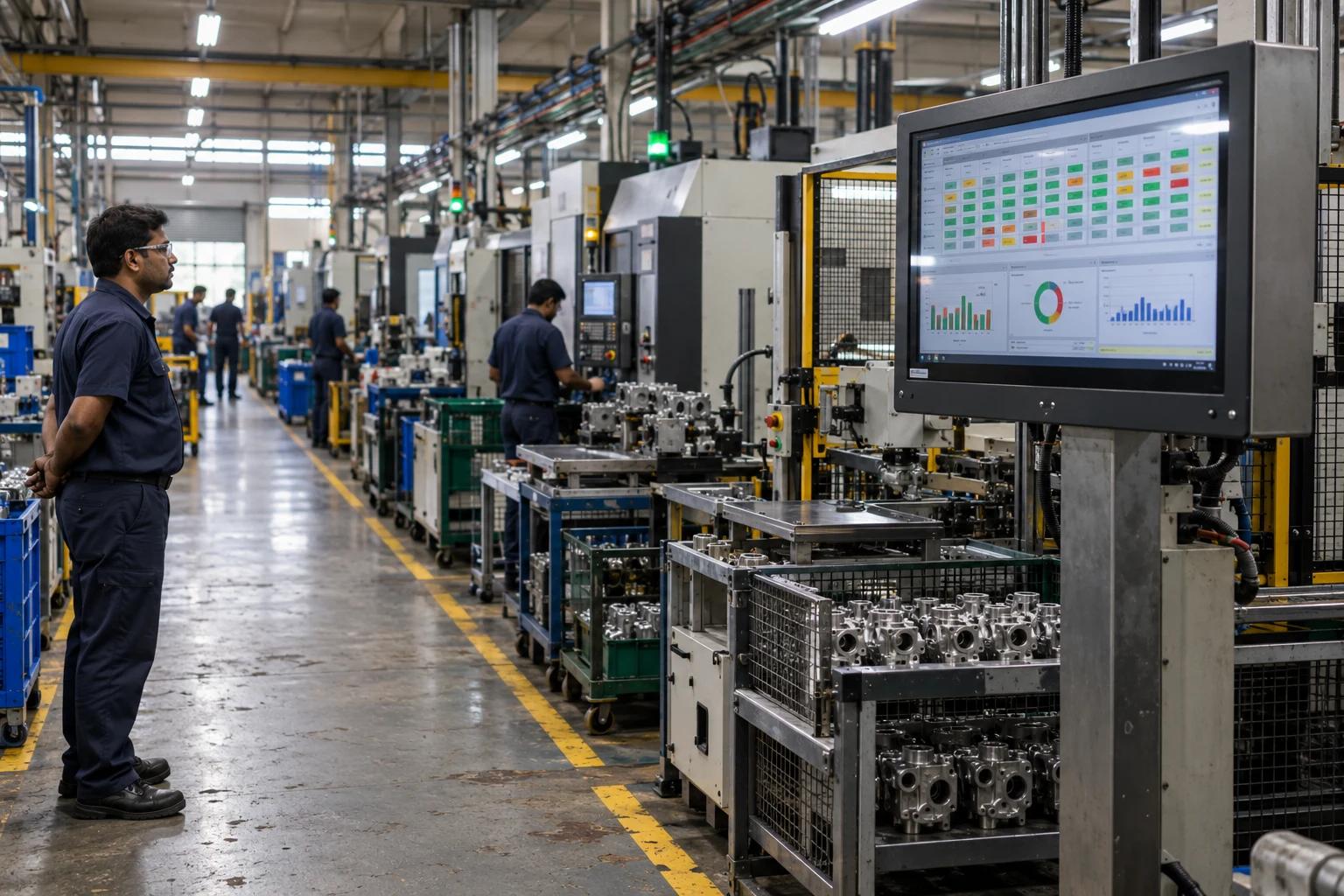
Real-Time Factory Monitoring
Micraft MES enables unified, end-to-end plant telemetry, connecting IoT devices, PLC signals, and manual operator inputs into a single data fabric.
- Plant-wide live status monitoring
- Real-time event & anomaly triggers
- Cross-line performance comparisons
- Operational exception management
Enables proactive plant management, alerting teams before minor line slowdowns turn into major production stoppages.
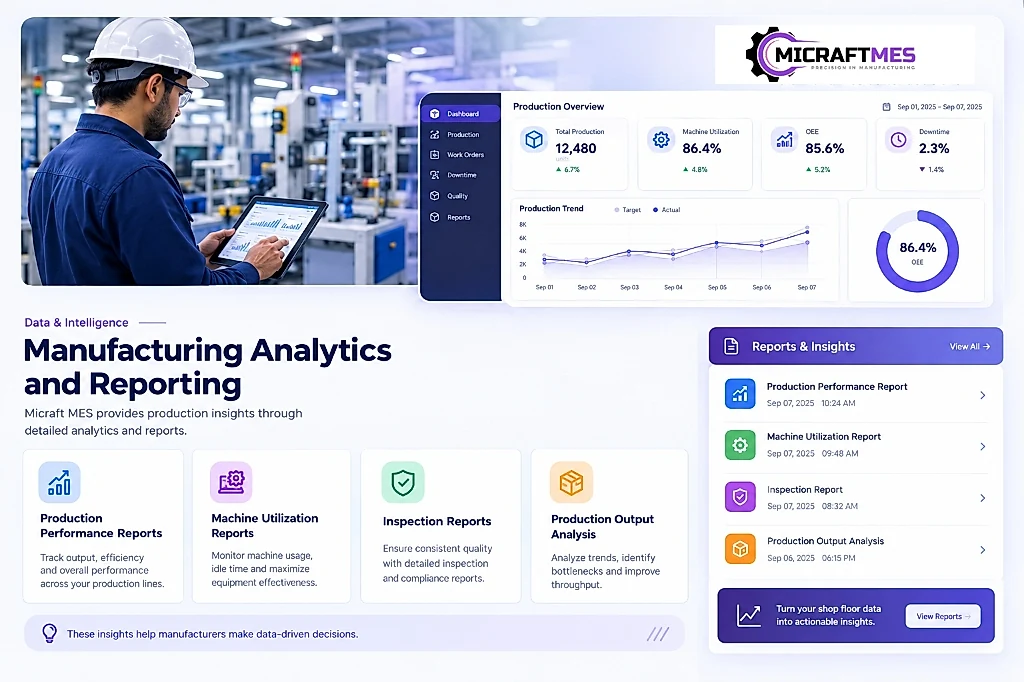
Manufacturing Analytics & Reporting
Micraft MES turns raw production logs into actionable intelligence, providing comprehensive shift reports, downtime Pareto charts, and trend analytics.
- Automated shift & daily output reports
- Machine downtime Pareto analysis
- Quality yield & scrap trending
- Data export & BI tool integration
Eliminates tedious manual spreadsheet reporting and drives continuous improvement (Kaizen) with trustworthy operational data.
All Manufacturing Capabilities
in One Unified Layer
Eliminate fragmented spreadsheets and isolated point-solutions. Micraft MES seamlessly integrates all critical factory disciplines into a single source of truth.
Production Order Tracking
Stage-wise WIP tracking, batch traceability, and real-time job pacing.
Shop Floor Monitoring
Live workstation telemetry, operator activity, and instantaneous bottleneck alerts.
Machine Utilization & OEE
Continuous uptime capture, categorized idle loss, and automated OEE.
Process & Routing Control
Multi-stage workflow orchestration and cycle time optimization.
Digital Quality Inspection
Inspection checklists, defect root cause tracking, and First-Time-Right metrics.
Visual Production Dashboards
Andon shop-floor TV displays and executive KPI command centers.
Packing & Dispatch Validation
Barcode batch verification and OTIF fulfillment readiness tracking.
Manufacturing Intelligence
Automated shift summaries, downtime Pareto charts, and exportable reports.
Why Modern Manufacturers Choose Micraft MES
How Micraft MES delivers real-time precision where manual paperwork and high-level ERPs fall short.
| Operational Capability | Manual / Paper & Excel | Generic ERP System | Micraft MES Platform |
|---|---|---|---|
| Data Capture Speed | End of shift / delayed days | Hours later / manual entry | Sub-second live telemetry |
| Shop Floor Visibility | Zero live visibility | High-level transactional view | Line and machine status |
| Downtime Root-Cause Tracking | Estimated / approximate | Not tracked or manually entered | Granular reason codes + automated logs |
| OEE Calculation | Manual formulas in Excel | Basic theoretical OEE | Automated live Availability, Performance, Quality |
| Operator Adoption | Tedious paper logbooks | Complex multi-screen forms | Intuitive 1-click touchscreen kiosk UI |
| Time to Deploy | Instant (fragile) | 6 – 18 Months | Scope-Based Onboarding |